Request a certificate of purchase



How to download your certificate of purchase for a subscription or tickets loaded onto your TCL card?
1. Log in to your Mon TCL account by clicking on "Log in" at the top right

2. Select "My Tickets" after clicking on "My Account"

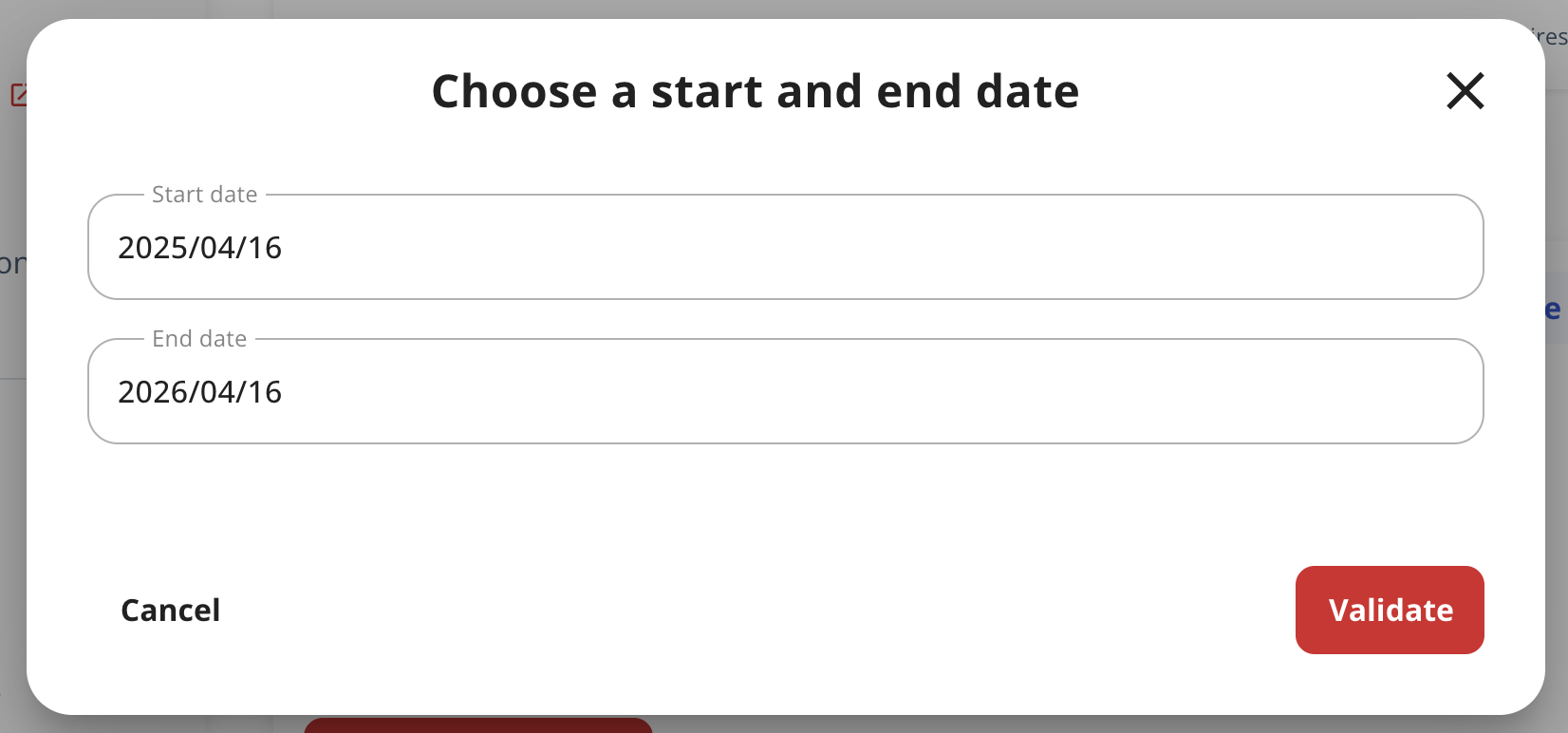
3. Click on the three dots next to "Card up to date" and select "Request a purchase certificate"

4. Then choose the start date and the end date, then click "Validate"
How to obtain your proof of purchase with the TCL bank card service?
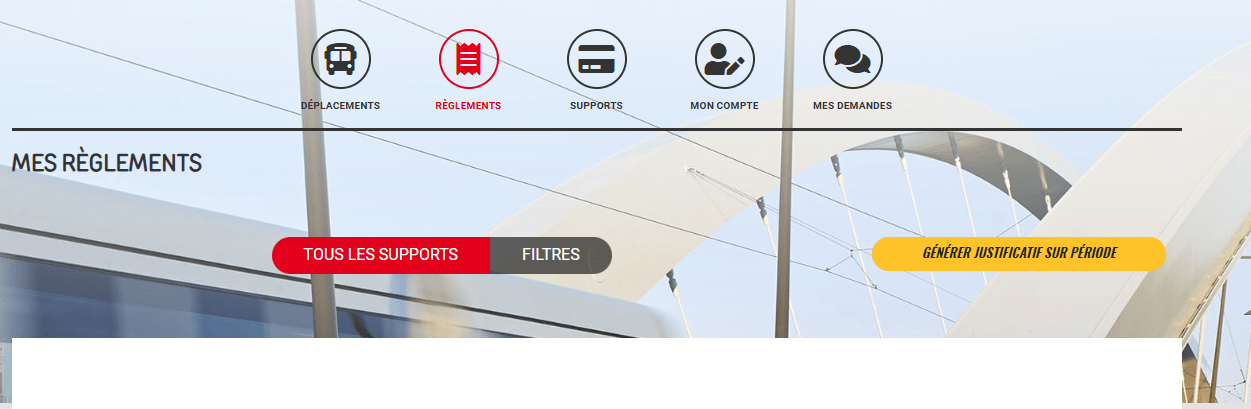
1. Create your personal space on the user portal dedicated to the TCL bank card.
2. Add your bank card in the "Supports" tab

3. Find your trip history in the "Trips" tab

4. Download your proof of payment in the "Payments" tab.
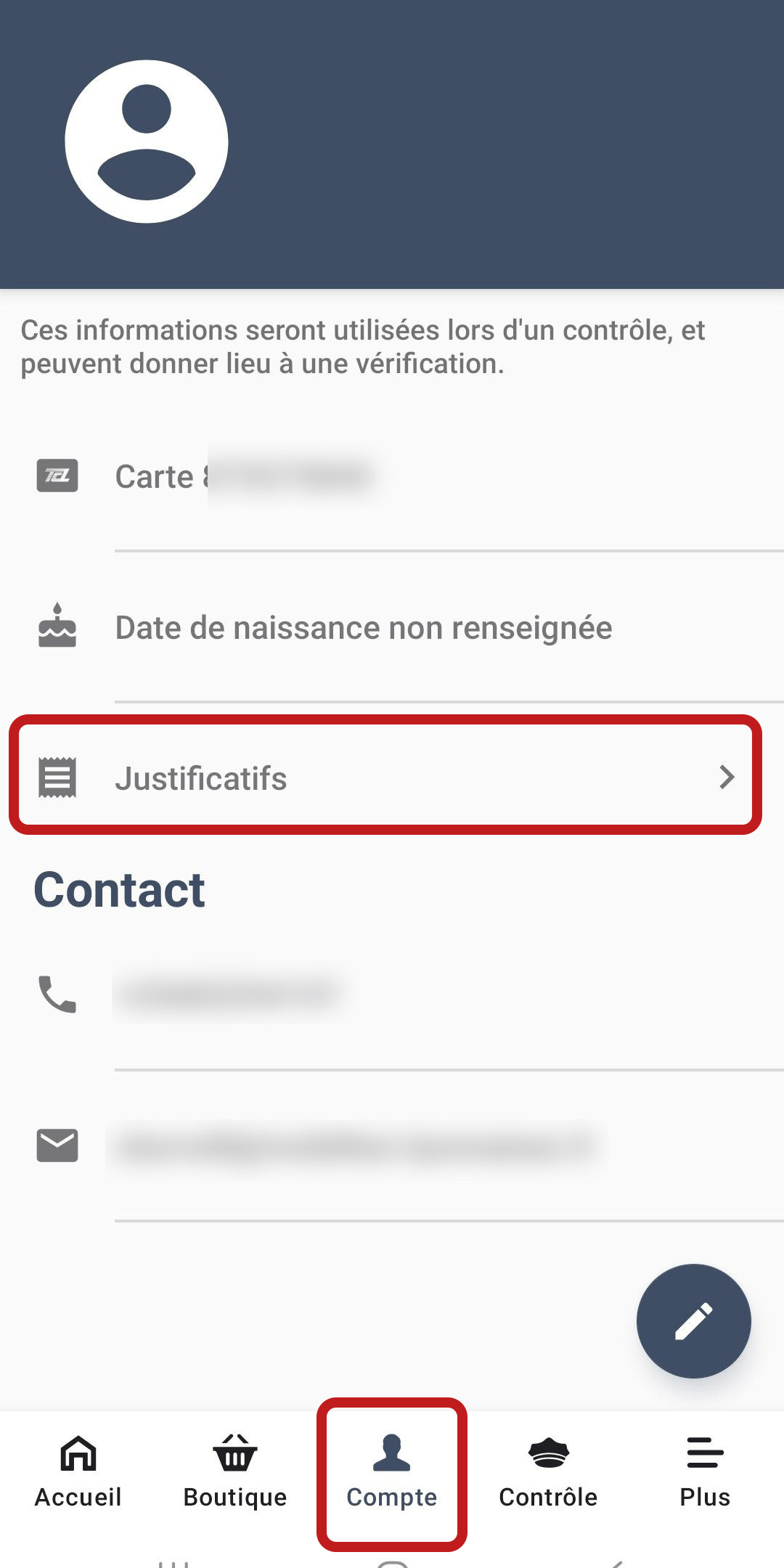
How to obtain your proof of purchase with the E-ticket app ?
After each purchase, the user receives a bank card payment receipt and a proof of purchase by email.
To receive the proof of purchase by email again, go to the "Account" section of the E-ticket app, click on "Proofs of purchase," then on the envelope icon next to the relevant ticket.